

What you need
A machine and a hostname
One small box. The app listens on plain HTTP and expects something in front of it for TLS.
An OpenRouter key
Every model call runs through it. A plain inference key, not a provisioning key.
A Vercel Sandbox
Token, team id and project id. Gus runs its harness there and nowhere else.
Nothing else
No Postgres to install, no Redis, no object store. All optional, all configured later.
1. Start it
CRAFTSPACE_URL is the address people will reach this install on. Every other origin derives from it, so
on a single domain it is the only one you have to set. Set it before anyone signs in: it is what OAuth
callbacks, invite links and the MCP endpoint are all built from.2. Create the first account
Open the install and sign in. The first account to arrive becomes the install owner, which is the only account that can change server settings.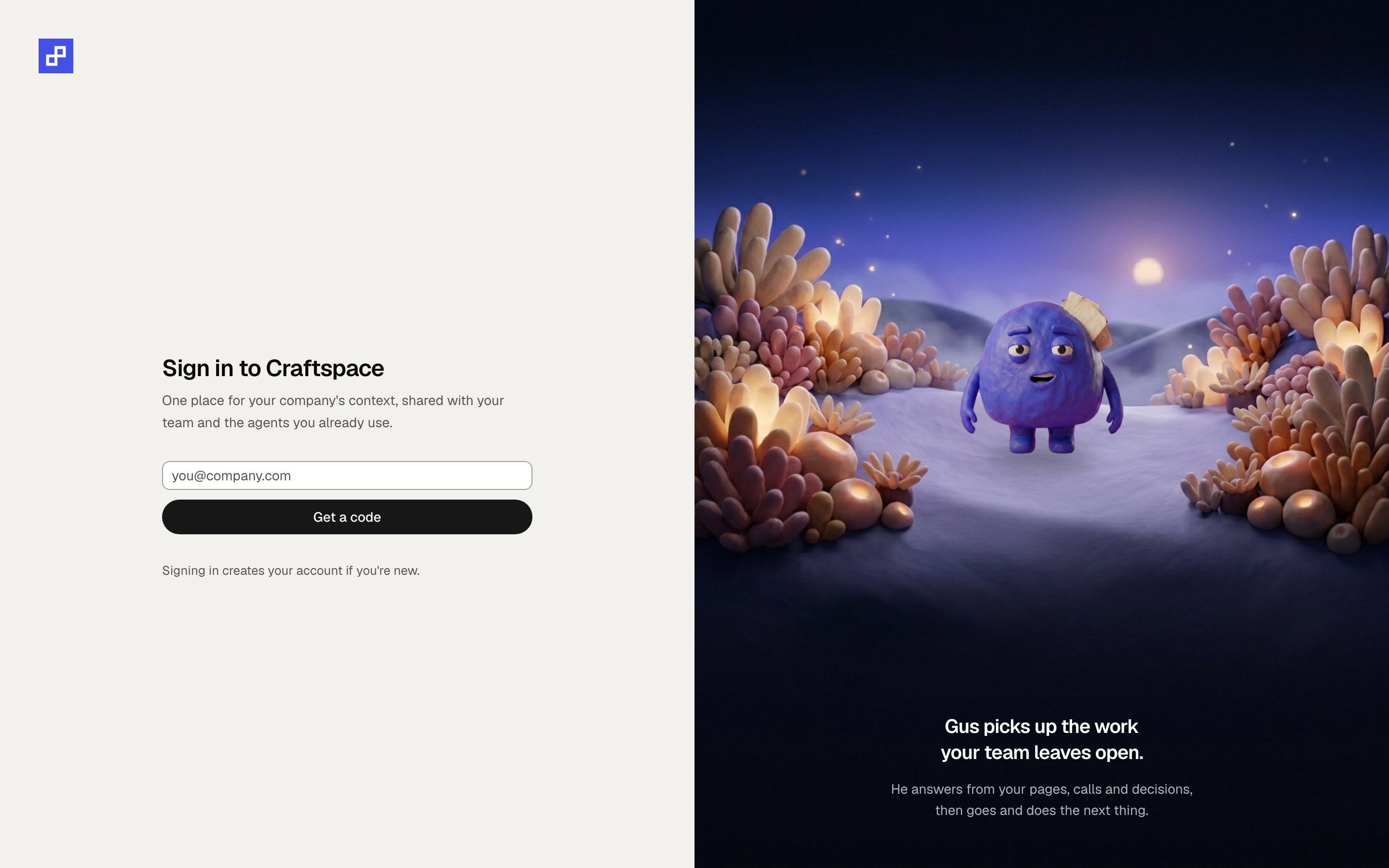
With no mail provider configured, the sign-in code goes to the server log and the screen says so.
3. Give it a model
Settings, then the server settings screen. Everything this server runs on is on one page, and the two under Gus’s runtime are the ones that are not optional.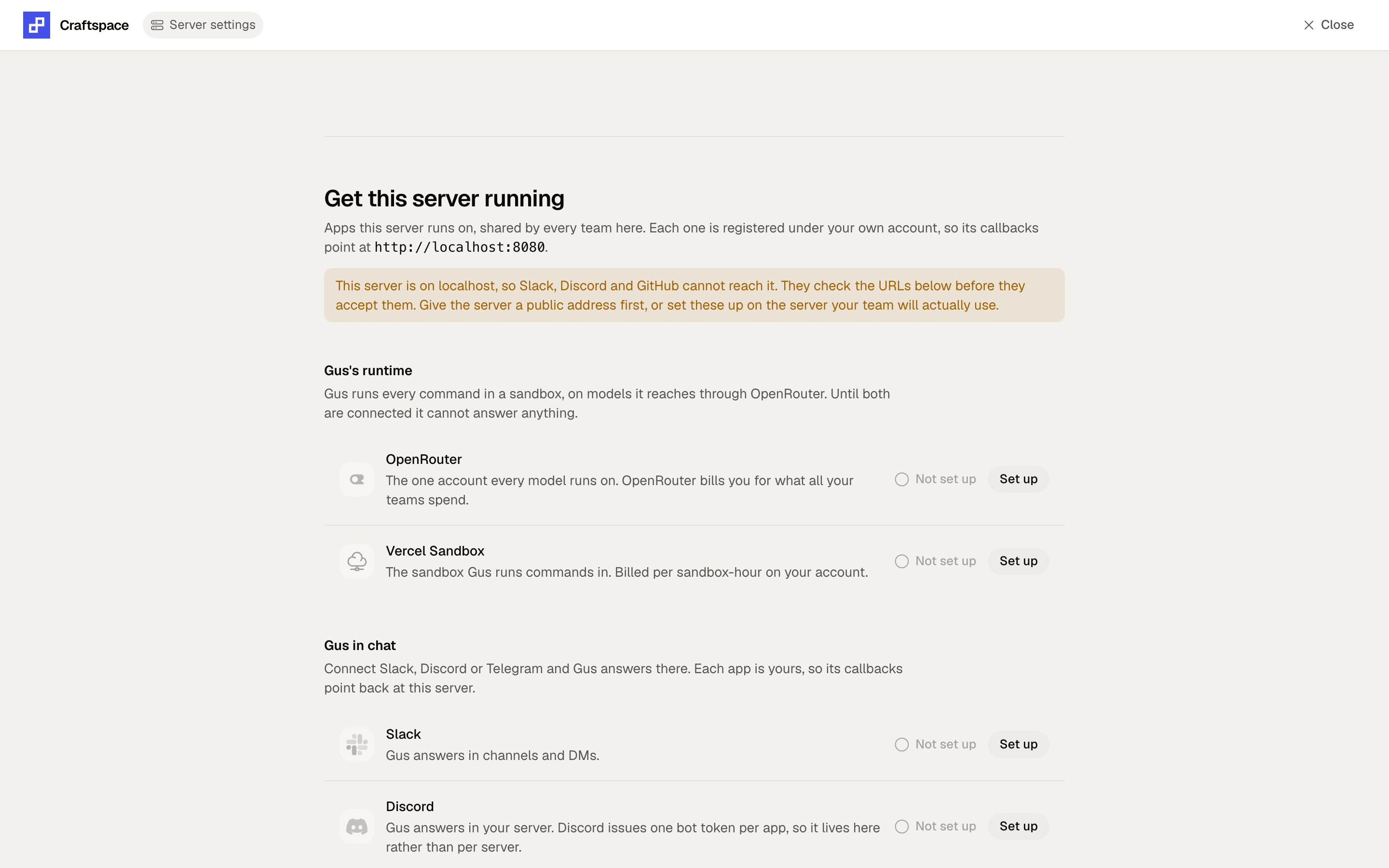
Server settings on a fresh install. Gus stays unconfigured until both runtime cards are set up.
0, unless you actually want a ceiling.