

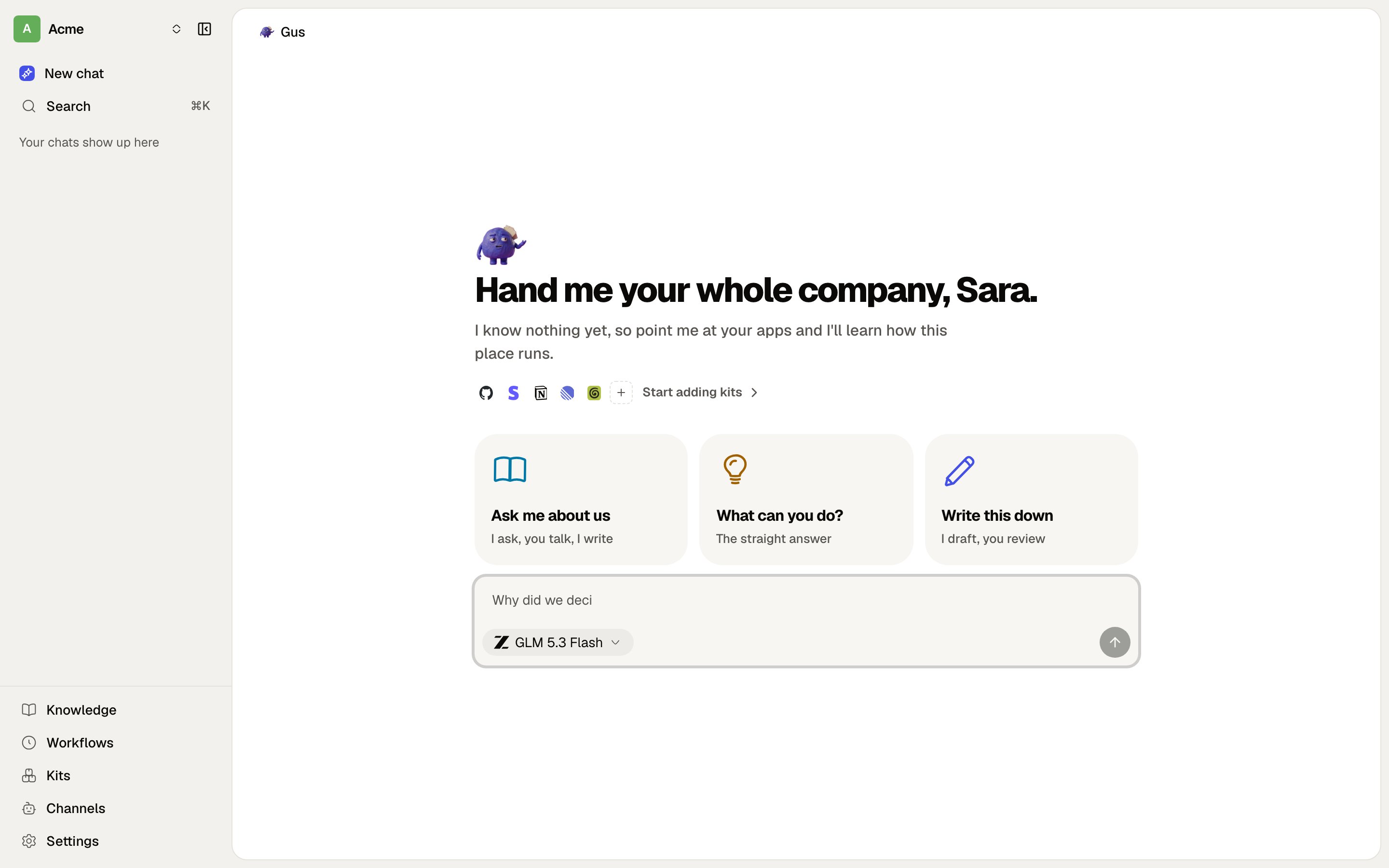
Gus, with nothing in the brain yet. Point him at what your team already uses.
Install it
Docker, a release binary, or from source.
Connect an agent
Point Claude Code, Cursor or Codex at your own endpoint.
How it is built
One Fastify process, an embedded Postgres, a sealed connection gateway.
Contribute
The house rules, and what to expect from us.
What is in it
- Pages and playbooks. Plain markdown, arranged as a wiki. Spaces are the permission boundary: one shared space per project, plus a personal space per member.
- An MCP endpoint per organisation. Any agent that speaks MCP can list, search, read and write your pages, with OAuth and per-agent scoping.
- Gus. The built-in assistant. Answers from your context in the app, in Slack, in Discord and on Telegram, and can go and do the next thing rather than just replying.
- Connections. Your team’s tools, reached through a gateway that keeps vendor tokens sealed at rest.
- Brain as Code. A repository’s own
brain/folder syncs with a space, so context written in a pull request lands in the wiki, and context written in the wiki lands in the repo.