> ## Documentation Index
> Fetch the complete documentation index at: https://craftspace.mintlify.site/llms.txt
> Use this file to discover all available pages before exploring further.
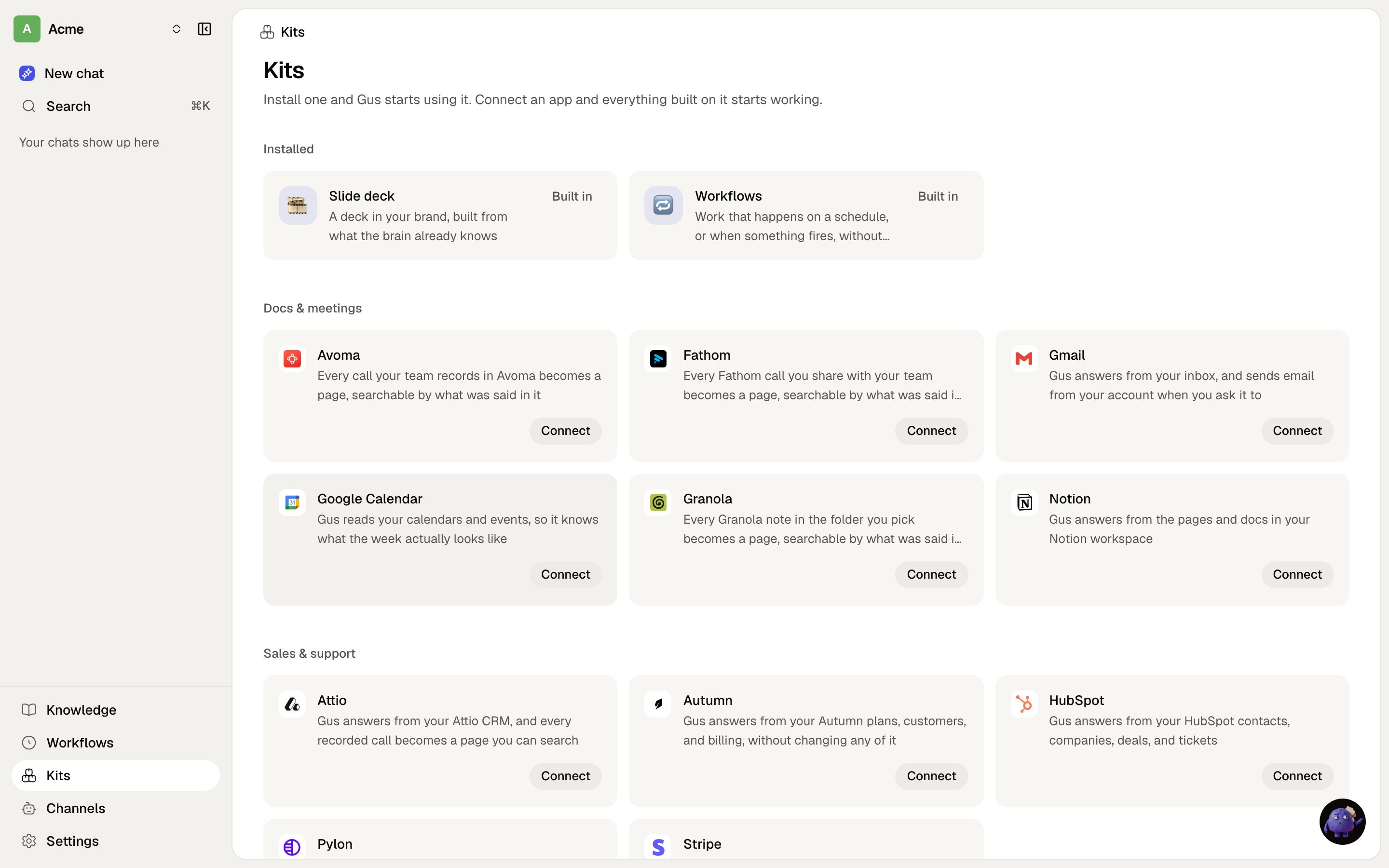
# Kits
> The one installable thing: instructions, tools and sync in a single record.
A **kit** carries any mix of three things, plus files:
* **Instructions** the assistant follows when the kit is in play.
* **Tools** it brings, from a connected vendor.
* **Sync**, the context it lands in the brain.
Most kits are exactly one of those. It is the only installable unit in Craftspace, and it replaced
playbooks, skills-as-a-page-kind, and the separate Tools and Sources settings screens.
 ## Three sorts
| Sort | Where it comes from |
| ------------------ | --------------------------------------------------------------------------- |
| **Craftspace kit** | Ships in the image, read at run time, never copied into your organisation |
| **Authored kit** | A row in your organisation, from installing one of ours or writing your own |
| **Vendor kit** | Derived from the connectors this install has, grouped by vendor name |
Installing a Craftspace kit clones it into your organisation and it inherits the same slug, which is what
makes your copy shadow ours from then on. That is the point: our version stops changing under you.
Vendor kits are grouped by vendor **name**, which is why a vendor with two connectors shows up as one kit
rather than two.
## Three sorts
| Sort | Where it comes from |
| ------------------ | --------------------------------------------------------------------------- |
| **Craftspace kit** | Ships in the image, read at run time, never copied into your organisation |
| **Authored kit** | A row in your organisation, from installing one of ours or writing your own |
| **Vendor kit** | Derived from the connectors this install has, grouped by vendor name |
Installing a Craftspace kit clones it into your organisation and it inherits the same slug, which is what
makes your copy shadow ours from then on. That is the point: our version stops changing under you.
Vendor kits are grouped by vendor **name**, which is why a vendor with two connectors shows up as one kit
rather than two.